How to Integrate GitHub Actions into Your Project
GitHub Actions in One Sentence
GitHub’s built-in CI/CD.

Introduction
In the past, setting up CI often meant teams had to spend time debating (and arguing over) different solutions like CircleCI, Drone CI, Jenkins, and so on. However, if your team already hosts code on GitHub, you can effortlessly integrate CI directly with GitHub. While it may not be a silver bullet or a one-size-fits-all magic solution, I find it remarkably easy to achieve common goals like running tests or setting up push-and-deploy pipelines. Here is an introduction.
How to Get Started
All you need to do is add a workflow descriptor file at .github/workflows/your-workflow.yml in your project’s root directory.
Relevant Resources
Before getting started, it might be faster to just check out a few documentation links and follow along. If you prefer reading the docs before diving in, feel free to check these out:
- Tour: https://github.com/features/actions
- Documentation: https://help.github.com/en/actions
- GitHub Actions Marketplace: https://github.com/marketplace?type=actions
How to Add GitHub Actions to Your Own Project
A workflow contains multiple jobs. Each job is composed of several steps, where a step can be a GitHub Action, running a shell command, and so on. It generally looks like this example:
name: your-name

# Refer directly to the documentation for available events
# https://help.github.com/en/actions/reference/workflow-syntax-for-github-actions#on
on:
  push:
    branches:
      - master
    paths-ignore: # You can use ignore if you don't want doc changes to trigger github actions
      - 'docs/**'
      - 'README.md'
      - 'LICENSE'
      - 'CONTRIBUTING.md'
    branches-ignore:
      - 'xxxx'
    tags-ignore:
      - 'v1.*'
env: # Put env variables here
  PROJECT_ID: ${{ secrets.PROJECT_ID }}
  RUN_REGION: asia-northeast2
  SERVICE_ACCOUNT: ${{ secrets.SERVICE_ACCOUNT }}

jobs:
  setup-build-and-deploy:
    name: Setup gcloud and deploy
    runs-on: ubuntu-latest
    steps:
      - name: Checkout
        uses: actions/checkout@v2
      - uses: GoogleCloudPlatform/github-actions/setup-gcloud@master
        with:
          version: '290.0.1'
          project_id: ${{ secrets.PROJECT_ID }}
          service_account_email: ${{ secrets.SA_EMAIL }}
          server_account_key: ${{ secrets.SA_KEY }}
          export_default_credentials: true
      - name: Deploy
        run: |-
          echo $SERVICE_ACCOUNT > /tmp/key.json && \
          gcloud auth activate-service-account --key-file /tmp/key.json && \
          gcloud app deploy --project "$PROJECT_ID"
For more advanced use cases, such as dynamically evaluating conditions at runtime, you can write something like this: https://help.github.com/en/actions/reference/context-and-expression-syntax-for-github-actions
env:
  my_env_var: ${{ ALPHA ? 'A' : 'B' }}
GitHub Actions automatically injects contextual information for you when it runs.
Environment Variables
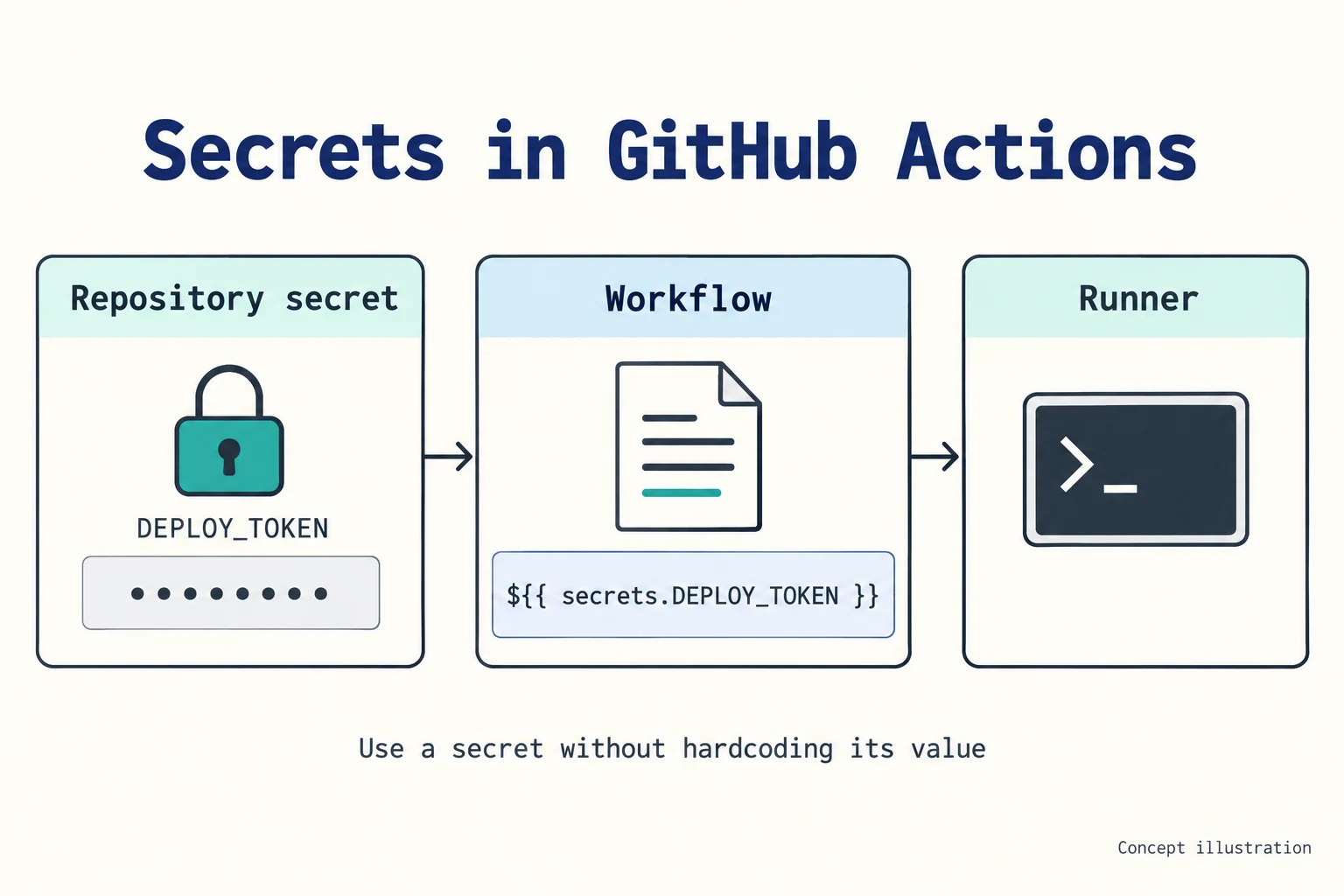
Environment variables can be configured under Secrets in your repository settings. By default, only Collaborators can view them, and external contributors cannot inject secrets into GitHub Actions through Pull Requests.
This post is a quick note on how to use GitHub Actions—setting it up next time should be much faster.
Related Posts
- Seam Carving – Resizing Images Non-Proportionally Seam Carving finds the least important path of pixels in an image and removes it, so the image can be resized without keeping its aspect ratio. This post rewrites the whole algorithm as WebGPU compute shaders, with an interactive demo.
- When a Measure Becomes a Target: From the Window Tax to Pull Request Counts I once wrote a script to tally how many PRs I contributed in a quarter, how many reviews I left, and how many tickets I closed, hoping to use numbers to prove my output to my manager. My manager simply remarked that performance isn't just about output. Years later, I finally understood—when a measure becomes a target, it ceases to be a good measure. From the British window tax and the Hanoi rat bounty to evaluating developers by PR counts today, the underlying mechanism is exactly the same.
- Using Cloudflare Images for Image Storage and Transformation Putting an image on a webpage is the simplest task in frontend development. But doing it properly—including resizing, generating multiple formats, and withstanding heavy traffic—is actually an entire end-to-end solution. Eventually, I offloaded everything to Cloudflare Images, keeping only a single original image.
- Stop Using AWS Access Keys Access Keys are an easily overlooked security risk in AWS. By pairing OIDC with IAM Roles, GitHub Actions can securely operate AWS resources without storing any secrets.